
Say goodbye to single-icon grouping. Preview and switch between every individual window instance instantly with live glass thumbnails, 100% native Swift performance, and blazingly fast response times.
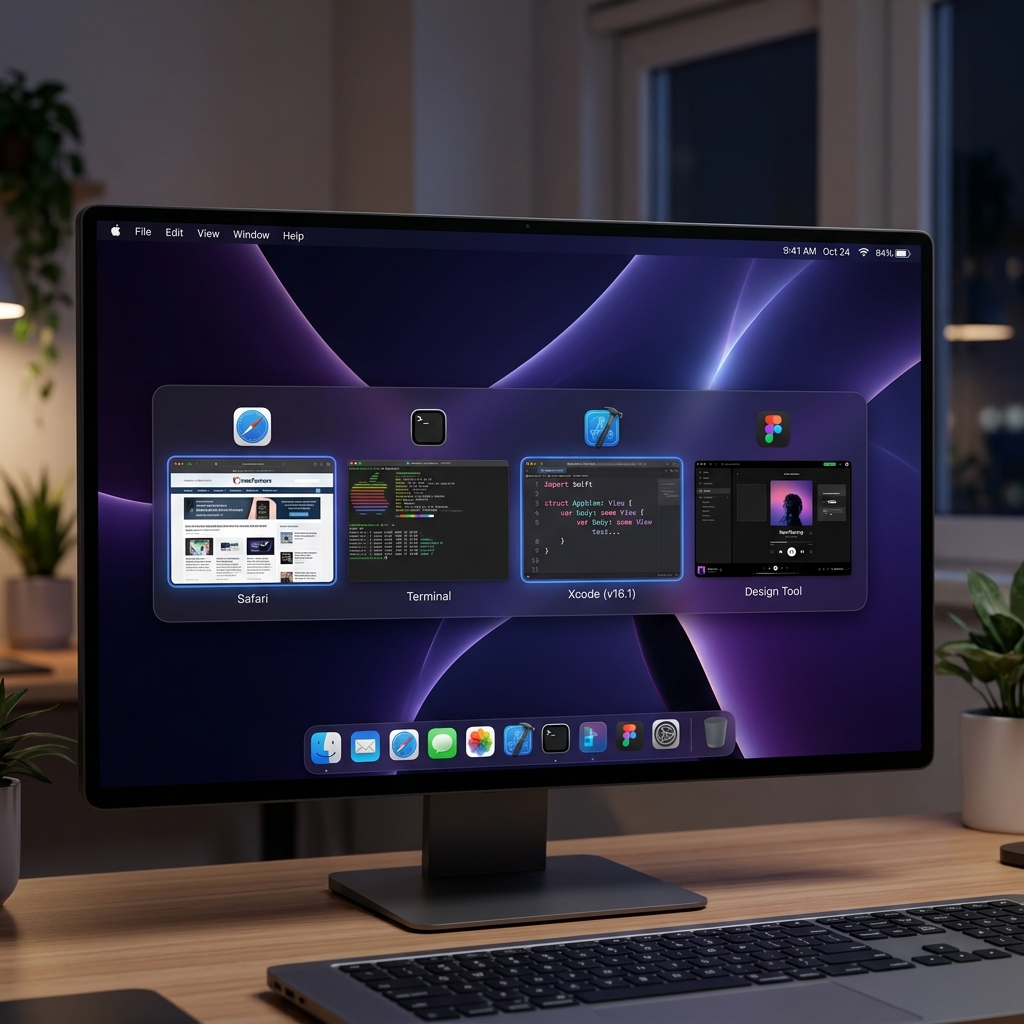
Use your keyboard or click below to simulate live window switching, customizable layout modes, and real-time macOS glass materials.
The interactive Alt-Tab keyboard simulator is optimized for larger displays. Please open this website on a desktop or laptop browser to test full keyboard shortcuts, live glass material themes, and window switching!


Engineered ground-up using Swift, SwiftUI, QuartzCore, and AppKit accessibility APIs for instant responsiveness.
Built with 100% native Swift & SwiftUI APIs with under 15MB RAM footprint. MacAltTab opens in microseconds without lagging your Mac.
Unlike macOS default Cmd+Tab which lumps all windows together, MacAltTab previews every individual open window instance across all spaces.
Powered by native `NSVisualEffectView` real-time desktop blur shaders with selectable HUD Dark Glass, Popover Frosted, Vibrant, and Sidebar styles.
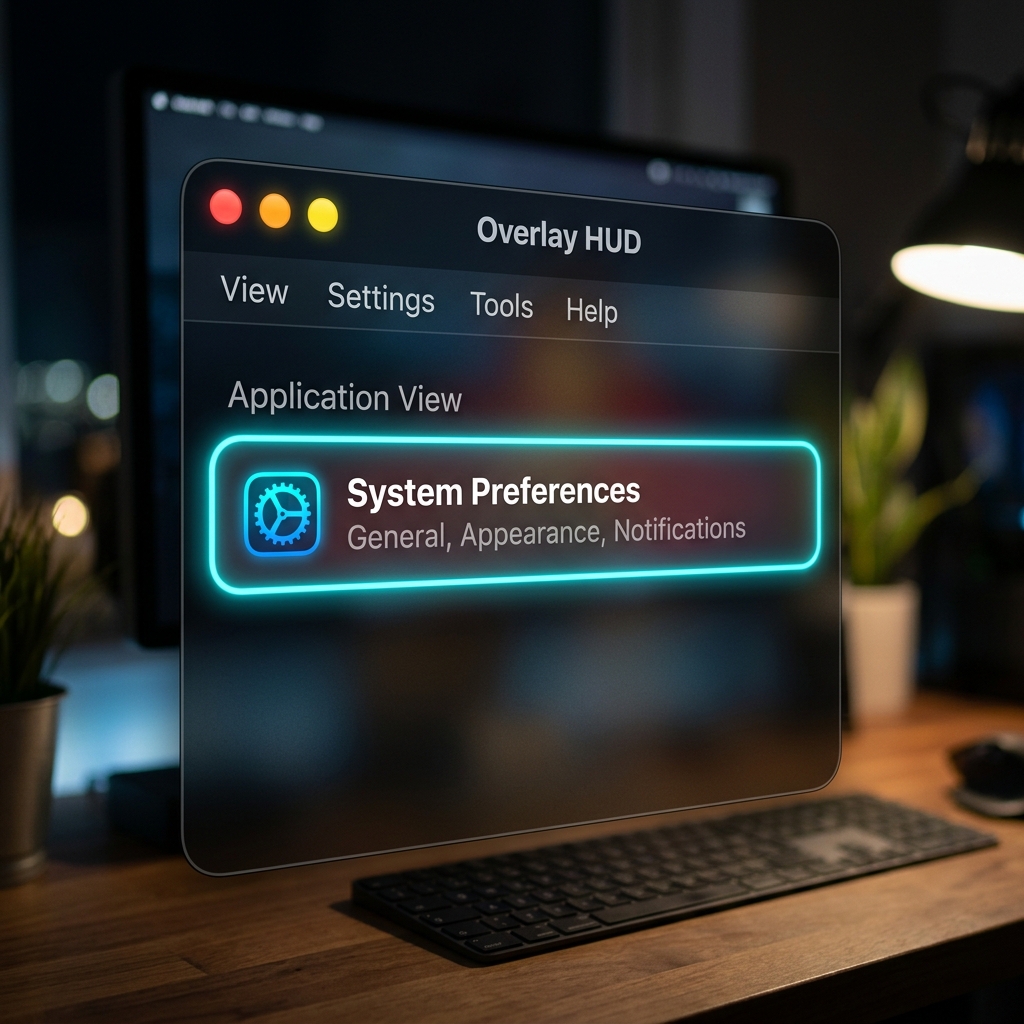
Manage windows directly inside the overlay overlay! Press W or click red dot to close windows; press M or click orange dot to minimize.
Never lose long file paths or website titles. Focused cards feature automated smooth scrolling marquee headers to view full titles.
Fine-tune card dimensions, layout orientation, hotkey triggers (Option vs Cmd), and grid column limits directly in Menu Bar preferences.
Every layer in MacAltTab is custom-built with vector path masking using QuartzCore `CAShapeLayer` and transparent `NSHostingView` layer hierarchies. Visual effects update in real time with ambient desktop luminescence.
MacAltTab runs 100% locally on your Mac. No network connections, no analytics, no tracking, and zero telemetry. Your window titles, application names, and screenshot previews never leave your device.
No personal data, telemetry, or window contents are ever recorded, collected, or transmitted.
The app operates completely offline with zero outbound HTTP requests or server analytics.
All window switching, graphics, and hotkey processing remain strictly inside your local macOS system.
Blazing fast navigation right under your fingertips.
Requires macOS 13.0 (Ventura), macOS 14 (Sonoma), or macOS 15 (Sequoia).